Compared to other operating systems, Linux offers a dedicated environment for programmers that is free and more dedicated to users’ privacy and security. Therefore, Linux’s popularity has increased exponentially over the years. Whether you’re looking to buy a laptop with pre-installed Linux or want to run it in parallel with Windows operating system, you’ve come to the right place, because its not trivial or easy to locate good laptops that you can be confident have proper Linux support. Read on to find interesting specifications of the top Linux laptops you can buy at the most affordable prices today.
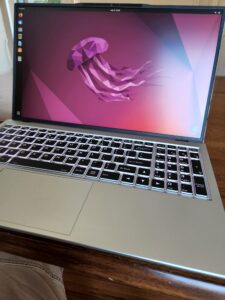
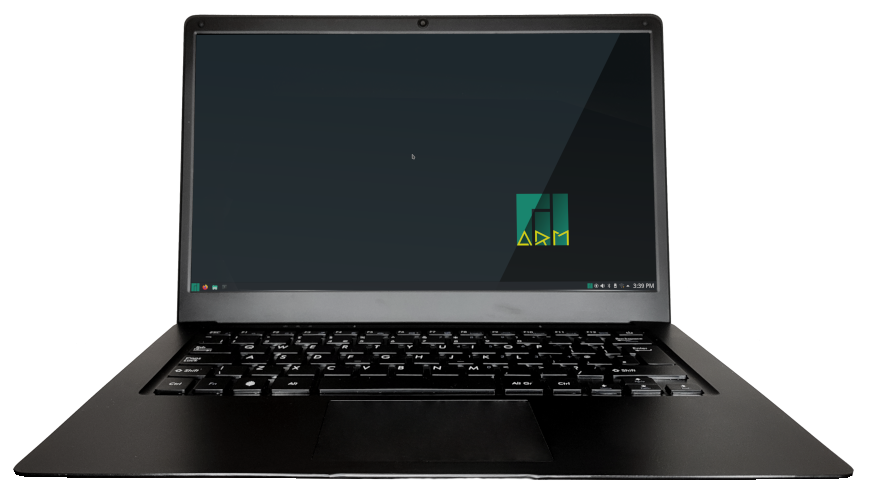
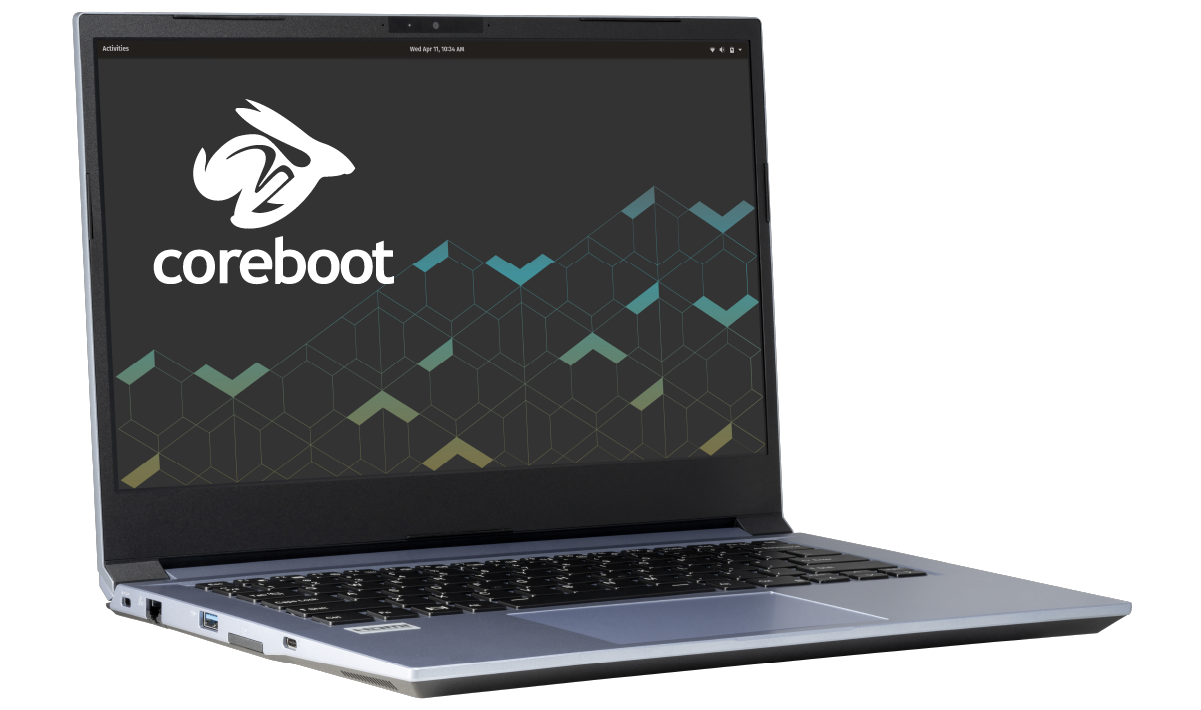
Our top recommendation for a low cost linux laptop, that is still powerful is the NovaCustom NS51 Series 15.6 inch Coreboot Ultrabook which offers a wide of powerful customizations on its high spec laptop that comes with a choice of linux distributions that can be preinstalled by the manufacturer
1. NovaCustom NS51 Series 15.6 inch Coreboot Ultrabook
NovaCustom based in Netherlands, ship their Linux Laptops globally. NovaCustom allows a wide array of customizations to their Linux built laptops, including amount of memory, processor, drive size and more. The NS51 is a 15.6 inch screen with a touchpad and large size keyboard. You can also select which distribution of Linux you want. The NS51 we tested at LinuxHint has Ubuntu 22.04, an i5 processor, 8GB of RAM, and 250 GB SSH hard drive. With a powerful Intel I5 and large screen this is a good choice for a moderately high spec laptop built by a team that specializes in Linux Laptops.
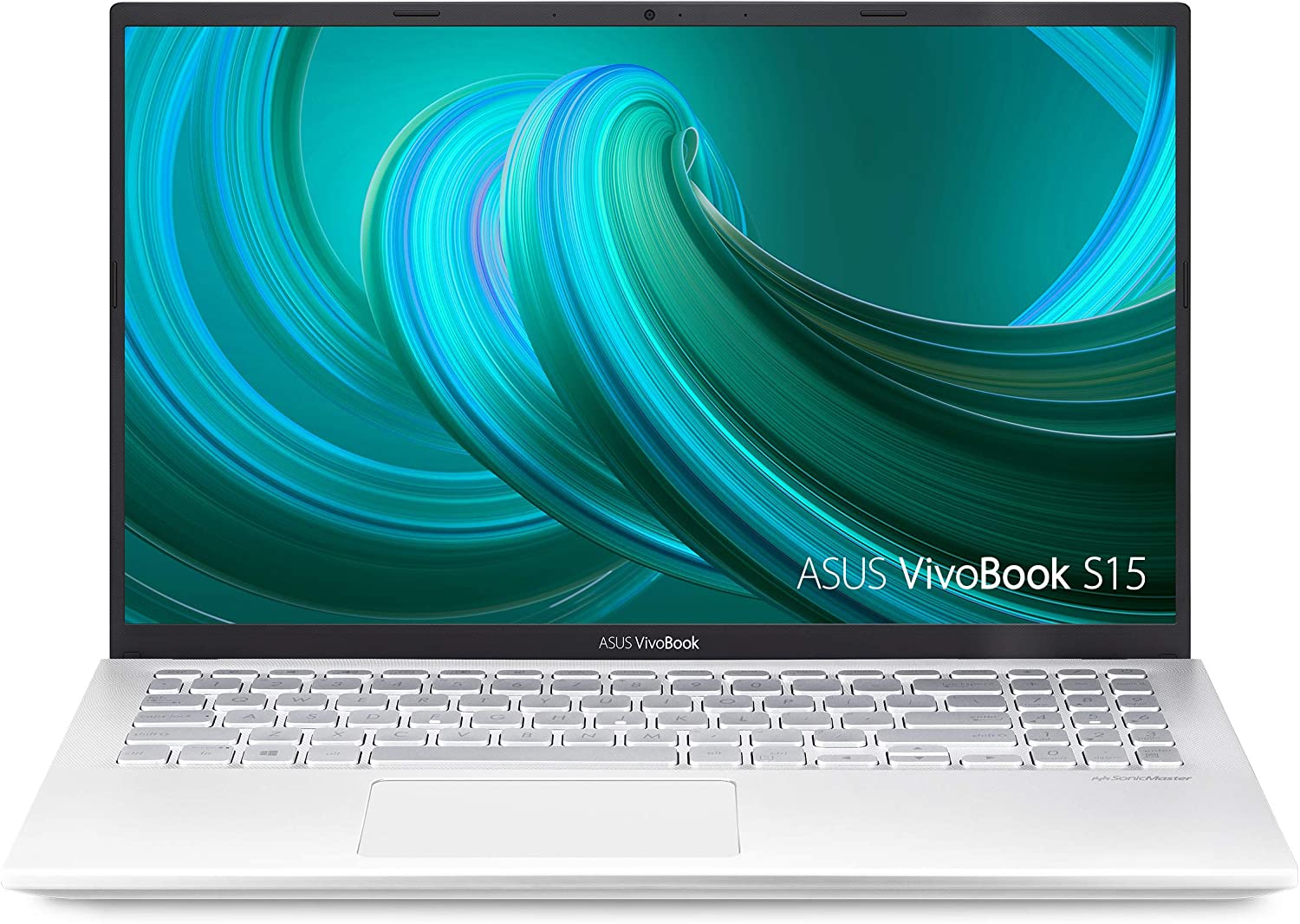
Storage: 256 GB M2 Solid State Drive, expandable via SD card
Display: 6-inch Full HD NanoEdge Display with 180-degree viewing angle
Battery Life: Up to 6 hours but strong charging capability
Weight: 3.97 lb
OS: Windows 10 Home 64-bit with any Linux distros on dual boot
Price: US$ 1,499.77
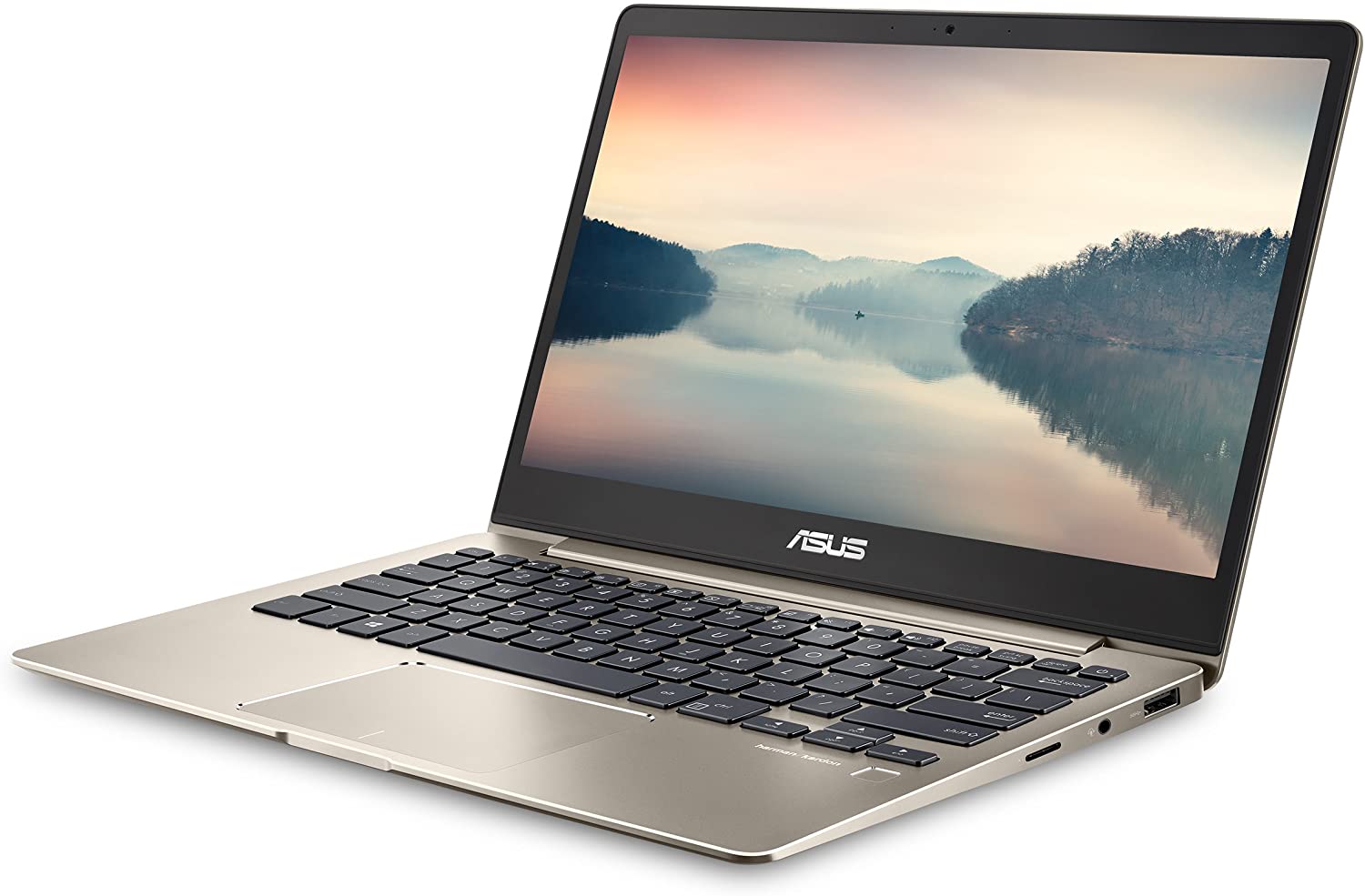
ASUS VivoBook is a 15 inch Laptop, not super cheap, but powerful with a Intel Core i5-8265U Processor, NVIDIA GeForce MX250 graphics, and 8GB RAM and 256GB PCIe NVMe SSD
Conclusion
With the above list concluded, these were our top recommended Linux Laptops to buy if you’re on a budget. These cheap Linux laptops cater to different processor, budget, and hardware requirements of users who use Linux operating systems for daily usage. These are also the newest models with either pre-installed Linux or full support for dual-booting it with Windows. If price is not a concern and you want to get the best of the best laptops for Linux, then take a look at our list of the 11 Best Linux Laptops for Enthusiasts. There are plenty of good models available in the market right now. Thank you for reading!
Frequently Asked Questions
Can I Buy a Cheap Linux Laptop?
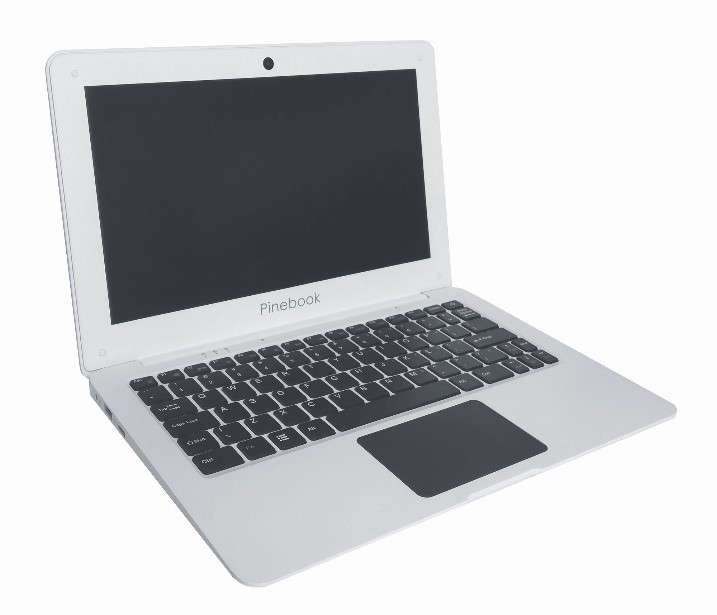
Yes, you certainly can buy laptops with the Linux operating system already installed. Although this is certainly not as commonly found as laptops with Windows, macOS, or Chrome OS already installed. Out of the 10 laptops that made our shortlist of the best cheap laptops, only two of them actually come with a Linux operating system already installed. These include our Number 3 pick: the System76 Galago Pro, which has Ubuntu Linux 18.04 LTS already installed, and our Number 4 pick: the Pinebook Pro, which has Ubuntu already installed. Mostly, you will have to buy a Windows-ready laptop for many good laptops, and then, do the Linux installation yourself. Linux is completely free to download, and it is now easier to install on laptops than it ever has been. Therefore, we suggest getting a decent laptop first and then installing your preferred Linux distro.
Is a Linux Laptop Cheap?
The price of laptops that come with Linux already installed can vary just as much in price as any other laptop. For example, there are very significant differences in price between the two laptops in our shortlist above that have the Linux operating system already installed. Our Number 4 pick: the Pinebook Pro, which has Ubuntu installed, costs around $200.00. Whereas, our Number 3 pick: the System76 Galago Pro, which has Ubuntu Linux already installed in stark contrast, will set you back almost a full $1000.00. And that’s quite the difference. You do save money on buying Windows licenses and MS Office licenses. Still, the lack of supply for Linux options means you will likely either pay the exact cost or even more for a Linux laptop.
What Is the Cheapest Linux Laptop?
If you want a cheap laptop that already has the Linux operating system installed, then we would hands-down recommend our number 1 pick, the Pinebook, which has Ubuntu already installed because it only costs $99.99. If you ask us, this is particularly cheap, costing much less than your average Chrome OS Chromebook, generally considered the cheapest type of laptop. However, remember, you don’t need Linux already installed if you want to run it. It’s free to download and relatively easy to install. We suggest getting a decent laptop and then installing Linux on it.
Can I Install Linux on a Chromebook?
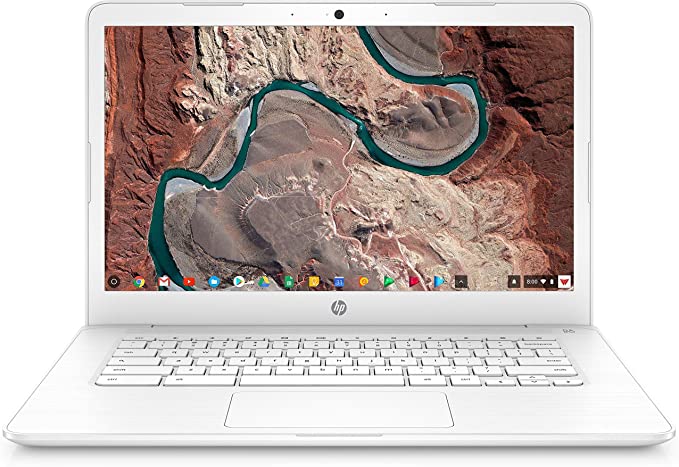
Of course, you can. You can install various Linux command-line tools, Integrated development environments, code editors, etc., on your Chromebook to write code, develop apps, create software and do much more. However, Linux isn’t officially supported as an OS by Google for Chromebooks. That’s because installing Linux requires that you put your device into the “Developer Mode” to give you “full write access” to the Chrome OS. By keeping these files outside the normal access, Google ensures the Chromebook’s security and integrity of the OS.
How to Check If My Laptop Is Compatible With Linux?
We are afraid there is no easy way to know whether your laptop is compatible with Linux or not. You have to research online about the compatibility of your laptop and the particular Linux distro you want to install. However, the Ubuntu Certified hardware database is an excellent place to start your research. There, you can check whether your laptop is included in the Ubuntu database or not. The good thing about this database is that if your laptop is compatible with Ubuntu, it will be smooth sailing running all the other Linux distros.
About the author
Linux Wolfman
Linux Wolfman is interested in Operating Systems, File Systems, Databases and Analytics and always watching for new technologies and trends. Reach me by tweeting to @linuxhint and ask for the Wolfman.